AI Shorts
AI Shorts generator for focused, production-quality video types
Generate short vertical videos with AI captions, dynamic typography, comparison layouts, whiteboard scenes, and promo video types.
Built for short-form creators, marketers, educators, and founders.
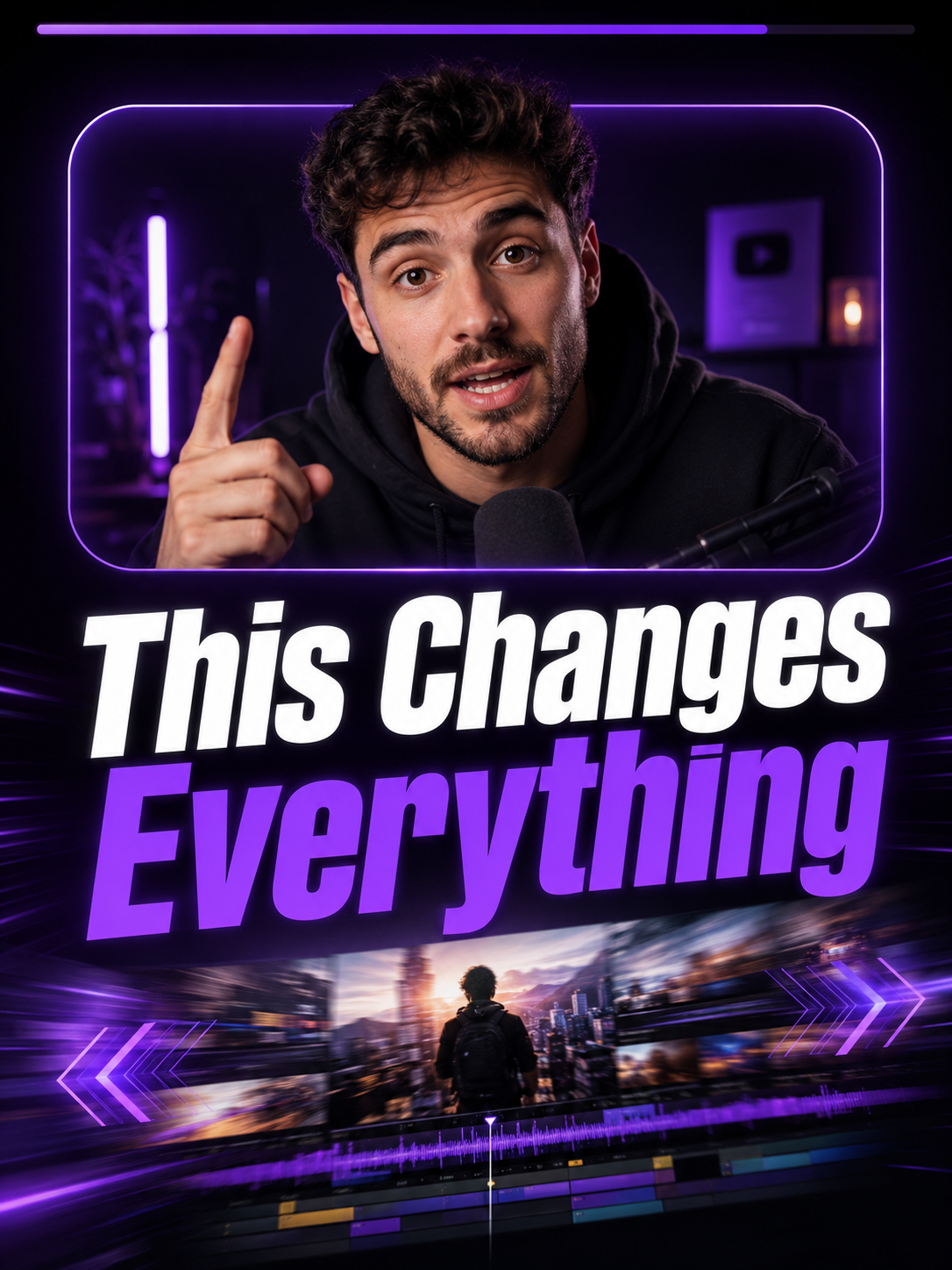
Focused video types
Choose a production workflow built for one clear output instead of a crowded format library.
Speech timing
Speech-based video types use transcripts for captions, scene timing, and text overlays.
Preview to export
Review supported previews before spending credits on the final rendered MP4.
Use cases
Create captioned shorts from existing videos
Make faceless whiteboard explainers from voiceover
Build comparison Shorts with two images
Replace a creator video background with an uploaded image
Why it helps
Quality-over-quantity video type library
Works with common video, audio, and image inputs
Credits are used for final renders, not basic preview editing
Temporary video storage helps control cost
FAQ
How many video types are active?
The product is focused on a small set of production video types instead of many average layouts.
Is this a full video editor?
No. Itnavideo is a video-type-based AI video creation workflow for short reels and shorts.
What happens after rendering?
Generated videos are available in the Your Videos section for about 48 hours.