Instagram Reels
Instagram Reels maker with AI captions and creator video types
Make Instagram-ready reels from creator videos, voiceovers, thumbnails, and images with AI captions and focused short-form video types.
Built for Instagram creators, personal brands, educators, and social media teams.
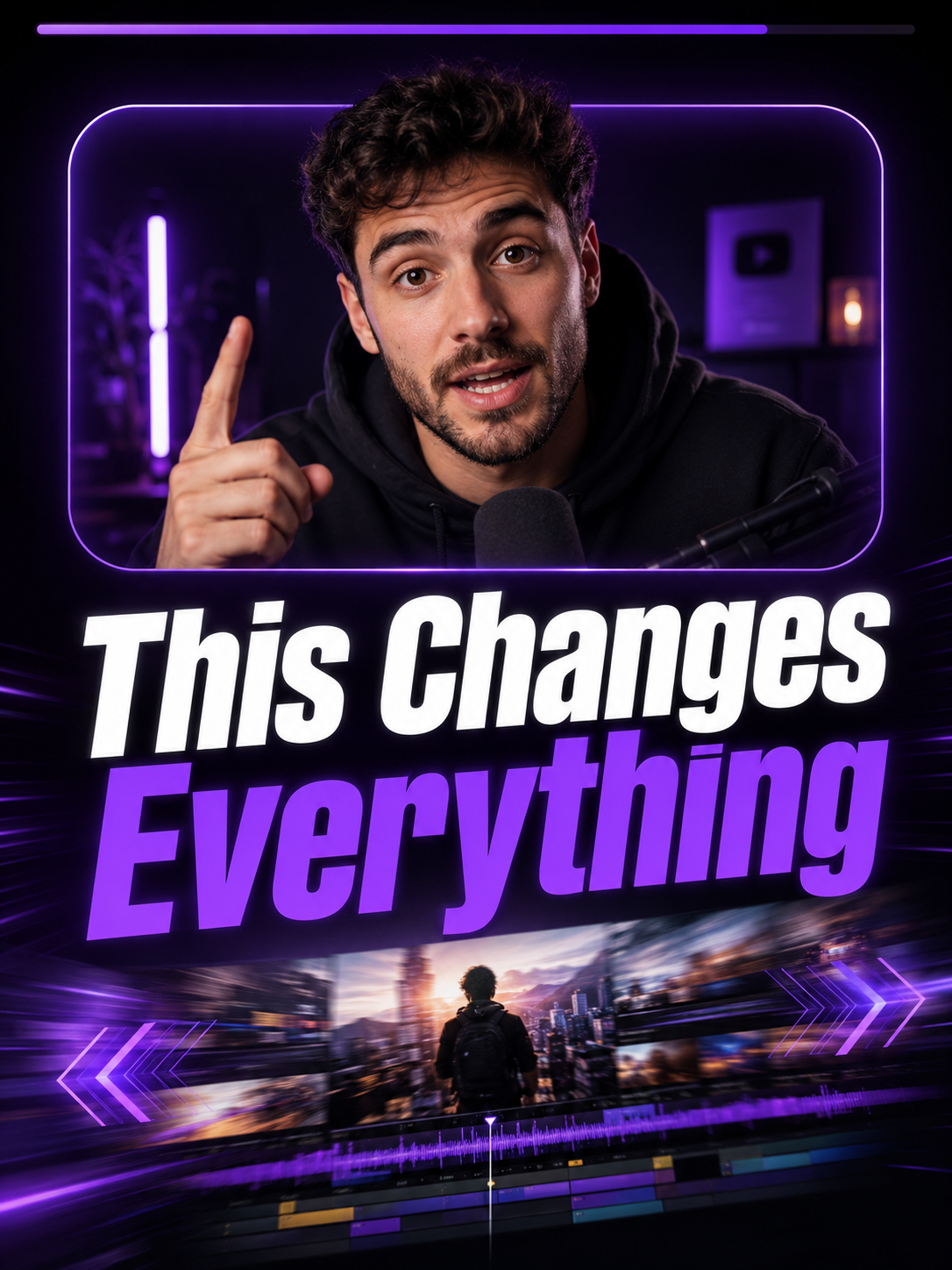
Focused video types
Choose a production workflow built for one clear output instead of a crowded format library.
Speech timing
Speech-based video types use transcripts for captions, scene timing, and text overlays.
Preview to export
Review supported previews before spending credits on the final rendered MP4.
Use cases
Why it helps
FAQ
Can I post the output directly on Instagram?
Yes. Itnavideo exports a vertical MP4 that works for Instagram Reels and other short-video platforms.
Can I choose caption style and color?
Yes. Auto Caption lets users choose style, font, size, position, text color, highlight color, and background color.
Does it support Hinglish captions?
Yes. Itnavideo supports English and Roman Hinglish captions through Groq Whisper transcription.