YouTube Shorts
YouTube Shorts generator for creator videos and promos
Create YouTube Shorts from creator videos, voiceovers, and promo clips with AI captions, typography, and focused video type layouts.
Built for YouTubers, educators, podcasters, and long-form creators.
Focused video types
Choose a production workflow built for one clear output instead of a crowded format library.
Speech timing
Speech-based video types use transcripts for captions, scene timing, and text overlays.
Preview to export
Review supported previews before spending credits on the final rendered MP4.
Use cases
Promote a long YouTube video with a short vertical teaser
Turn a talking video into a typography-led Short
Add burned-in captions to existing clips
Create whiteboard-style Shorts from voiceovers
Why it helps
Built for 9:16 mobile viewing
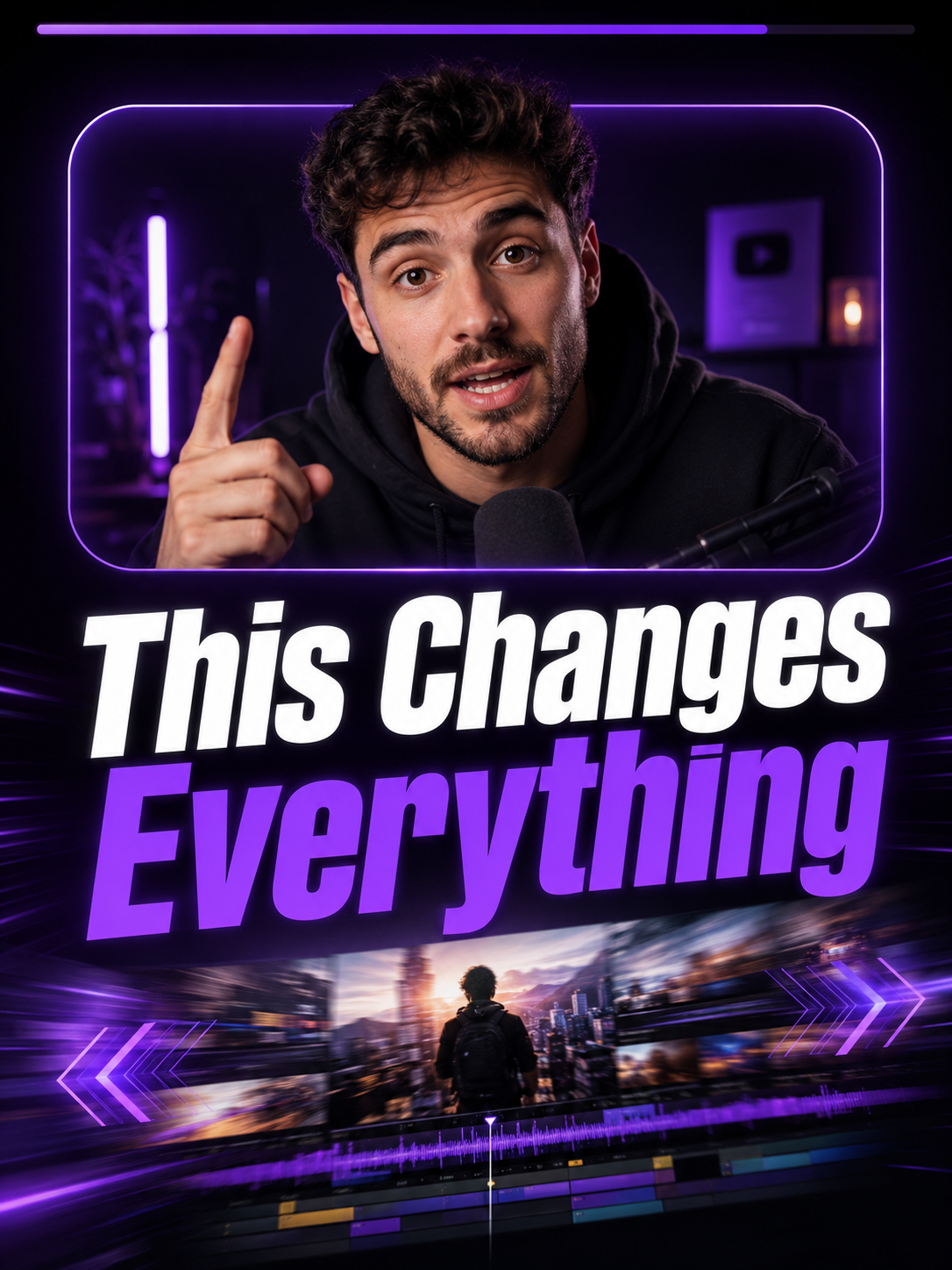
Long Video Promo video type for thumbnail-led teasers
Auto captions are burned into the MP4
Finished videos appear in Your Videos for 48 hours
FAQ
Can I promote long videos?
Yes. Long Video Promo is built for short vertical teasers using a promo clip, thumbnail, and title.
Does this automatically cut a long video?
The current flow expects a short uploaded promo clip rather than processing an entire long video.
Can I download the final Short?
Yes. The final MP4 can be previewed and downloaded from the dashboard.