
How to Add Hormozi & MrBeast-Style Animated Captions to Reels Automatically (Without After Effects)
Look at the most viral short-form videos on Instagram Reels, TikTok, and YouTube Shorts from Alex Hormozi, MrBeast, or Ryan Pineda. They almost never use static subtitle strips. Instead, they command viewer attention with vibrant, dynamic words that bounce onto the screen at the exact millisecond they are spoken. For years, this required tedious keyframing in Adobe Premiere Pro or After Effects. Today, AI-powered motion subtitle engines do the heavy lifting in seconds.
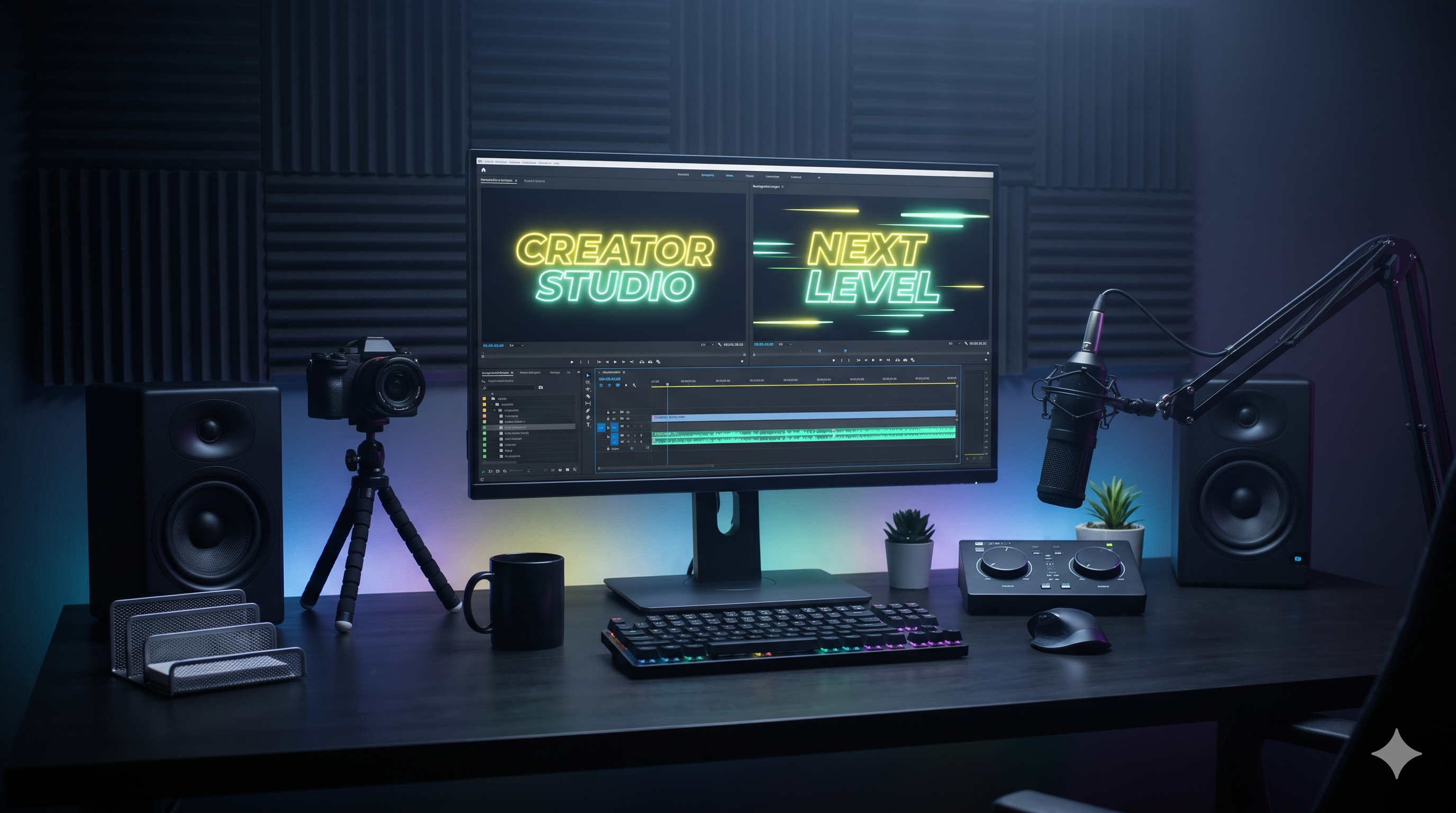
Discover how top creators use kinetic word-by-word bounce captions to increase viewer retention by 64%, and how to generate them automatically in under 20 seconds.
The Attention Economy: Why Static Subtitles No Longer Work
Social media algorithms prioritize one metric above all others: completion rate. If a viewer swipes away before watching at least 50% of your Reel, the algorithm penalizes your reach.
Traditional open captions (long sentences sitting at the bottom of the screen) create cognitive fatigue. Viewers read ahead, lose curiosity, and swipe. Kinetic captions solve this by displaying words at the exact cadence of speech, keeping the viewer hooked sentence by sentence.
The Anatomy of a High-Retention Motion Caption
High-converting video subtitles consist of three core elements: high-contrast color switches, spring physics, and safe zone placement.
First, dynamic color coding: inactive words remain clean white or subtle grey, while the active word explodes in neon yellow, mint, or cyan. This micro-visual trigger resets viewer attention every 0.3 seconds.
Second, parametric spring physics: instead of a linear slide, words pop with subtle overshoot and damping, mimicking the punchy energy of modern podcast snippets.
Automating the Workflow: From 45 Minutes to 20 Seconds
Manual subtitle animation in After Effects requires creating text layers, applying keyframe graphs, color-coding keywords, and adjusting timeline offsets for every spoken word. For a daily creator, this editing bottleneck kills consistency.
With Itnavideo, you upload your raw video file. The Groq Whisper engine transcribes your voiceover with millisecond-level word timestamps, maps the words onto your chosen preset style (such as Studio Clean, Dynamic Punch, or Karaoke Pro), and renders a broadcast-quality 1080p MP4 in the cloud while your laptop stays completely cool.
Frequently Asked Questions
What makes Hormozi-style captions so effective?
They use active word color highlighting (such as electric yellow, lime green, and pure white) combined with subtle spring bounce animations. This forces the viewer's gaze to track every single spoken beat.
Does Itnavideo support Roman Hinglish and English?
Yes! Powered by high-speed Groq Whisper transcription, spoken Hindi, Hinglish, and English are accurately captured and rendered with crisp typography without awkward misspellings.
How do I ensure captions don't get covered by TikTok and Instagram buttons?
Itnavideo features optical safe zone clamping. Captions are positioned cleanly in the middle or lower-third sweet spot, well above the bottom navigation bar and away from side like/comment icons.
How long does it take to render a 60-second captioned reel?
Because rendering happens on AWS Lambda cloud infrastructure, a 60-second reel exports in 1080x1920 full HD in approximately 15 to 25 seconds.
Explore ItnaVideo