Background replace video tool for cleaner creator reels
Upload a creator video and a background image, adjust placement, and export a cleaner vertical video.
This tool helps creators and businesses create a studio-like look without filming in a perfect location.
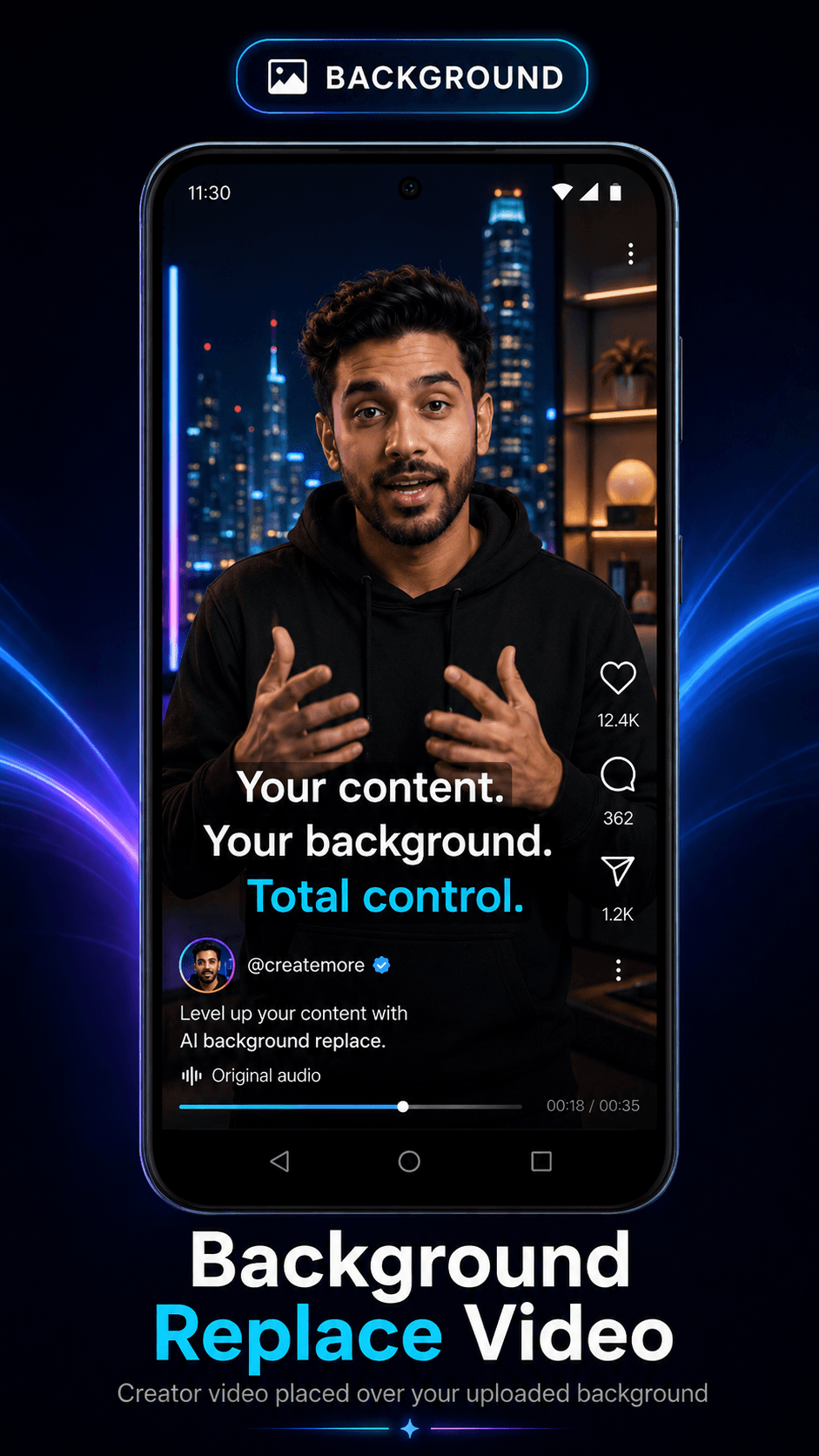
From idea or upload to finished short video.
This workflow naturally supports short keywords like AI video generator, AI reel generator, reel maker, video generator, and AI shorts generator while staying useful for real creators.
Upload the creator video.
Upload the background image.
Adjust fit, zoom, and position in the dashboard preview.
Render the final background-replaced MP4.
Benefits
Use cases
Why Itnavideo
FAQ
Can I upload my own background?
Yes. Upload an image and adjust its position before final render.
Is this for long videos?
No. Background replacement is focused on short reels because processing is compute-heavy.
Does the final render keep the audio?
The Background Replace workflow is designed to mux the original audio back into the final MP4.