
The Creator's Guide to Studio-Grade Voiceover: How to Remove Background Noise, Dead Air & Retakes Automatically
Bad video quality will cost you a few viewers, but bad audio will destroy your retention immediately. Viewers will tolerate a 720p webcam video if the voiceover is crisp and clear, but they will click away from a 4K video within 5 seconds if the microphone has harsh room echo, air conditioning rumble, or endless silent pauses. Fortunately, creators no longer need an audio engineering degree or expensive acoustic treatment to sound like a professional studio.
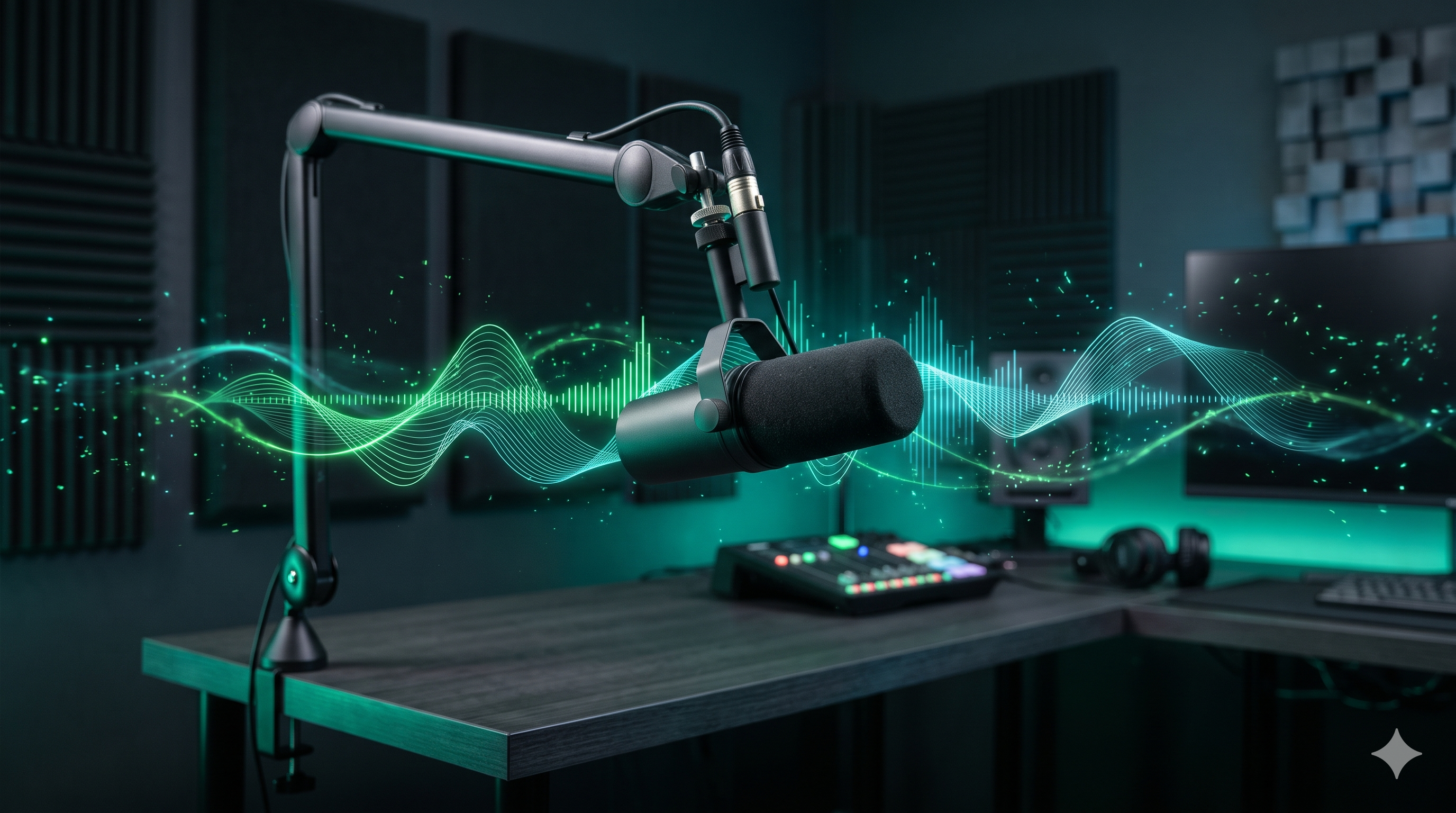
Eliminate room echo, air conditioner hum, 300ms awkward pauses, and spoken flubs from voiceovers in one click without complicated audio editing plugins.
The Audio Paradox: Why Sound Matters More Than 4K Resolution
Human biology is wired to tolerate visual imperfections, but harsh audio triggers an immediate subconscious urge to exit. Background hiss, computer fan whir, and hollow room echo signal low production value to the viewer.
When you remove background noise and apply spectral voice enhancement, your voiceover immediately feels authoritative, intimate, and professional.
The Power of Tight Pacing: Why 300ms Silence Trimming Matters
In short-form content, silence is deadly. When a creator pauses for 0.8 seconds to think or inhale, the viewer senses a dip in momentum and swipes. Top creators like Ali Abdaal and Colin & Samir maintain relentless narrative momentum by eliminating dead air.
Setting an automatic 300ms pause threshold trims awkward gaps while preserving natural speech rhythm. Your 60-second voiceover tightens to a punchy 52 seconds without speeding up your voice or distorting pitch.
Automatic Retake Detection: Never Re-Record a Flub Again
Every creator knows the frustration of stumbling over a tongue-twister sentence halfway through a voiceover. Typically, you have to stop, rewind, re-record, and later spend 20 minutes in an audio editor locating the bad take.
Itnavideo's AI Audio Cleaner listens to your entire file, identifies when you repeated a sentence, and automatically removes the false start, stitching together your best performance into a seamless broadcast-ready track.
Frequently Asked Questions
Why is 300ms the standard threshold for removing silence?
A 300ms pause represents the natural boundary between a brief breath and dead air. Trimming pauses greater than 300ms tightens your voiceover pacing without sounding robotic or unnatural.
How does automatic retake detection work?
When recording a script, creators frequently repeat sentences when they stumble (e.g. 'Today we are... let me restart... Today we are going to explore...'). The AI transcribes the speech, identifies duplicated phrases, and automatically cuts the flawed attempt.
Can I use the AI Audio Cleaner on podcast recordings?
Yes! You can upload raw MP3 or WAV recordings up to 5 minutes long. It will remove hum, balance frequency levels, and output studio-mastered audio.
How much does the AI Audio Cleaner cost to use?
Audio cleaning costs just 1 credit per audio file (up to 5 minutes / 300s), saving hours of tedious manual scrubbing in Audacity or Audition.
Explore ItnaVideo