
Why Burnt-In Widescreen Subtitles Crush Standard YouTube CC for Audience Retention
Most creators rely on YouTube's default automated Closed Captions (CC). However, analytics reveal that YouTube CC is turned off by default for over 85% of viewers, frequently glitches on technical terminology or regional accents, and often gets blocked by mobile player controls. Burnt-in (open) subtitles permanently rendered onto your 16:9 video files offer a massive competitive advantage for watch time and audience retention.
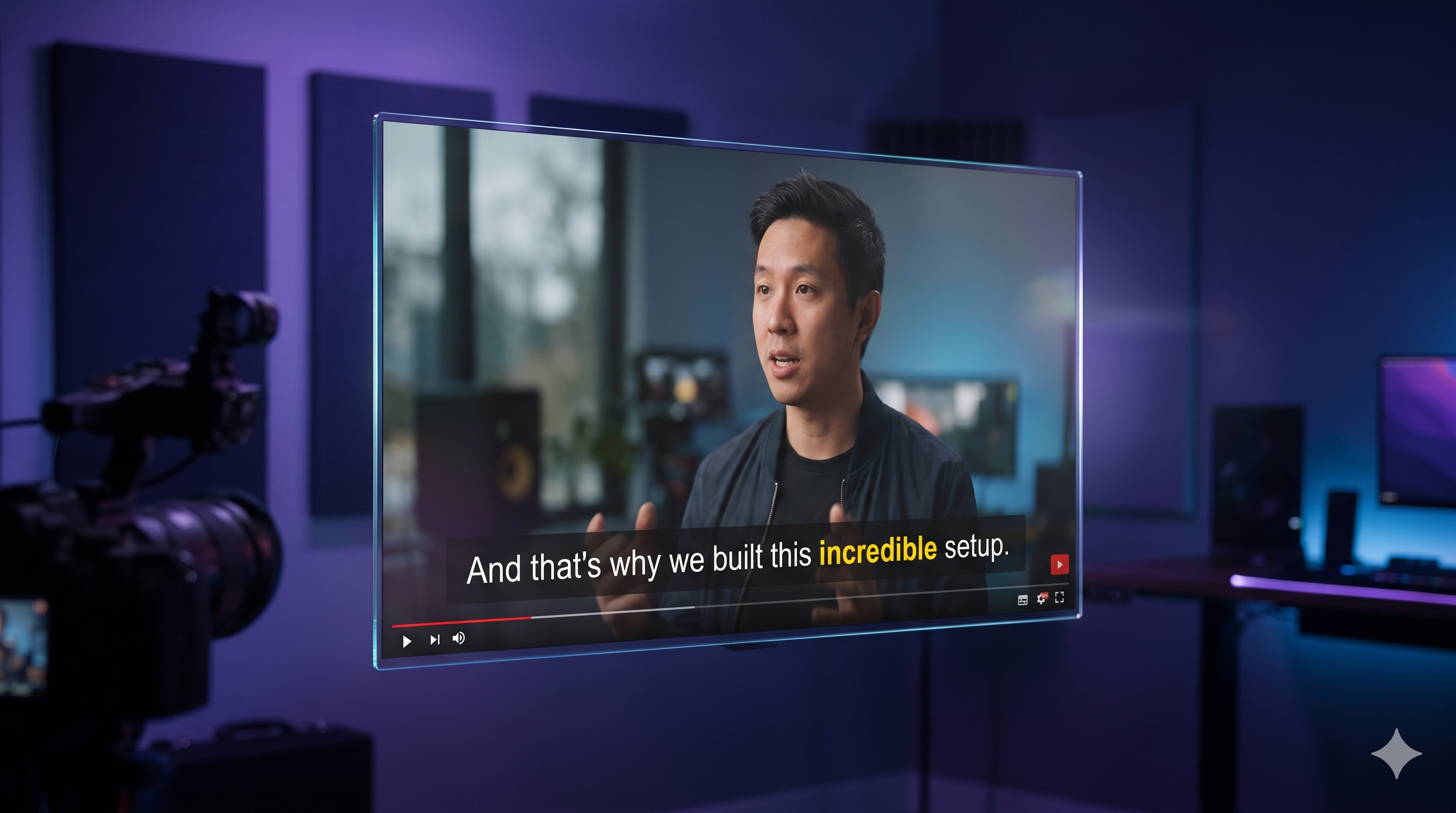
Over 70% of YouTube mobile viewers watch with low or muted audio. Discover why burnt-in 16:9 subtitles with custom scrubber-safe padding boost average watch time by 38%.
The Hidden Retention Killer: Silent Mobile Viewing
Data across global social platforms reveals that over 70% of viewers browse feeds in sound-off or low-volume environments: commuting on public transit, in shared offices, late at night, or in noisy public spaces.
When a video relies on default YouTube CC, users must manually find the small 'CC' toggle button. If they don't, they simply scroll to the next video within 3 seconds. Burnt-in subtitles remove all friction by delivering the spoken message immediately.
The Scrubber Bar Problem & Safe Zone Engineering
Traditional video editing software places subtitles at the very bottom center of the canvas. However, YouTube's desktop and mobile interfaces place a thick red scrubber bar, elapsed time stamp, and video title overlays right over that area.
Itnavideo engineered Scrubber-Safe Zone Clamping specifically for 16:9 YouTube videos. The subtitle strip is automatically elevated by 96 pixels from the bottom margin, ensuring that even when a viewer scrubs through the timeline, the captions remain 100% visible and unclipped.
Eliminating Embarrassing Translation & Transcription Errors
Standard auto-captions often garble tech acronyms, creator names, and mixed language phrases (especially Hindi-English or colloquial expressions).
Itnavideo integrates millisecond-accurate Groq Whisper transcription, giving you clean word grouping and the ability to review your transcript before rendering. The result is a polished, television-grade subtitle presentation that builds channel authority.
Frequently Asked Questions
What is the difference between Closed Captions (CC) and Burnt-In Subtitles?
Closed Captions are optional text overlays toggled on/off by the viewer that depend on browser settings. Burnt-in subtitles are permanently baked into the video frames, ensuring 100% of viewers see them exactly as styled.
What is Scrubber Safe Zone padding?
On YouTube mobile and desktop, the red progress scrubber bar, play button, and timeline hover preview overlap the bottom 80 pixels of the video. Itnavideo automatically elevates subtitles above this zone so they remain fully readable.
Does Itnavideo support Roman Hinglish speech in subtitles?
Yes! The Groq Whisper transcription engine captures colloquial Hindi and Hinglish speech and renders it in clean, readable Roman alphabet script without confusing font glitches.
How many credits does the YouTube Subtitles Generator cost?
Under our master pricing matrix, YouTube Subtitles Generator costs a flat 2 credits per video for videos up to 5 minutes.
Explore ItnaVideo