Auto draw explainer video generator for whiteboard-style reels
Upload speech and create a notes-style explainer where headings, bullets, sketches, and highlights reveal with the lesson.
This AI video generator helps teachers, coaches, and course creators turn lessons into visual reels without drawing manually.
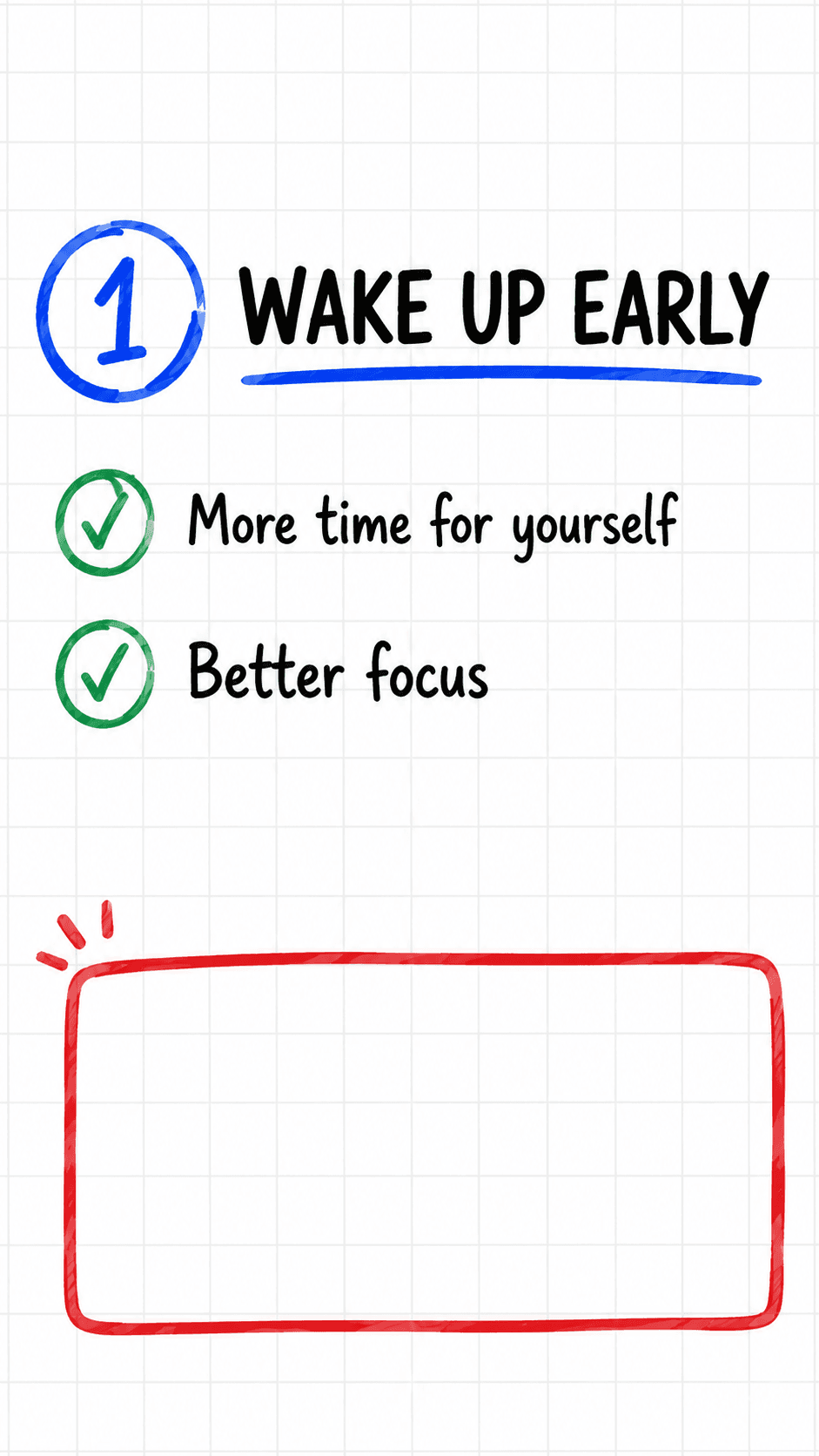
From idea or upload to finished short video.
This workflow naturally supports short keywords like AI video generator, AI reel generator, reel maker, video generator, and AI shorts generator while staying useful for real creators.
Upload audio or video with clear speech.
Itnavideo transcribes the message.
Auto Draw plans notes, highlights, sketches, and reveal timing.
Render a clean educational 9:16 explainer.
Benefits
Use cases
Why Itnavideo
FAQ
Do I need to draw anything?
No. Auto Draw builds visual notes from the uploaded speech.
Is this for teachers?
Yes. It is designed for educators, course creators, coaches, and study content.
Can I upload only audio?
Yes. Auto Draw can work from audio or video with speech.