AI video tool for teachers making educational reels
Turn lessons, voiceovers, and topic explanations into short videos students can watch on mobile.
Teachers and educators can use Itnavideo as an AI video generator for whiteboard explainers, comparison lessons, captions, and short study content.
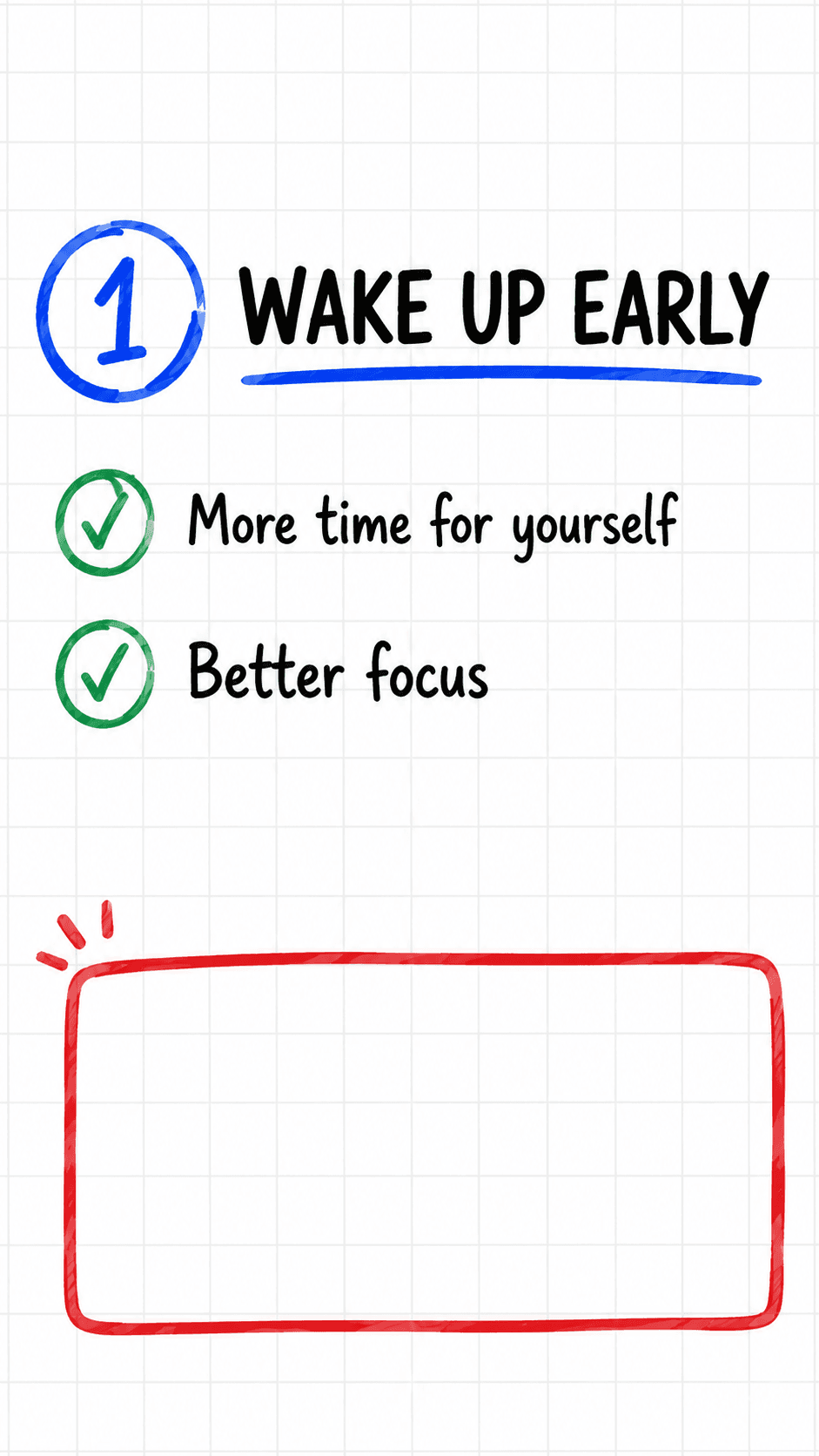
From idea or upload to finished short video.
This workflow naturally supports short keywords like AI video generator, AI reel generator, reel maker, video generator, and AI shorts generator while staying useful for real creators.
Upload a lesson voiceover or short teaching video.
Choose Auto Draw, Compare Explainer, or Auto Caption.
Generate notes, comparison visuals, or captions.
Download a 9:16 educational reel.
Benefits
Use cases
Why Itnavideo
FAQ
Can teachers create whiteboard videos?
Yes. Auto Draw Explainer is designed for notes and whiteboard-style educational reels.
Can I compare two concepts?
Yes. Compare Explainer works well for two-topic educational comparisons.
Is the output mobile-friendly?
Yes. Current outputs are focused on 9:16 vertical short videos.