Top video stays visible
The source video remains in the top 16:9 layer so the viewer can still see the creator or original clip.
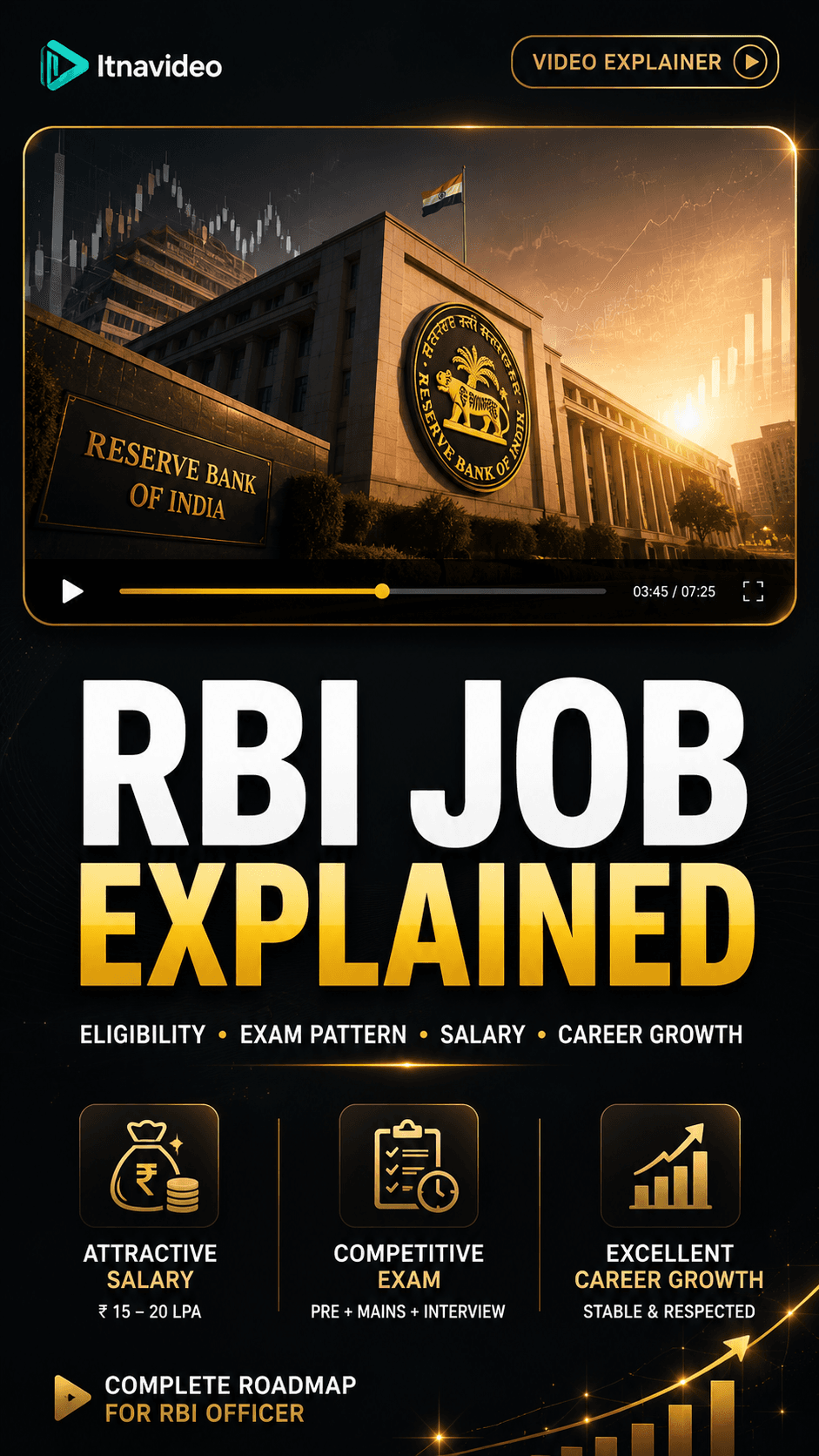
Use one uploaded video to create a clearer, more structured reel.
Great for talking-head clips where the facecam should stay visible while the story gets visual support.
The source video remains in the top 16:9 layer so the viewer can still see the creator or original clip.
Every render uses top media, premium subtitles, and bottom scene visuals for a clean reel structure.
The planner uses English transcript and asset briefs to pick images that match each scene.
Best for
Itnavideo is focused on one strong Explainer Video template first, so the output stays consistent and easy to test.
Talking-head creators
teachers
founders
consultants
course creators
Use cases
Long video clips
webinar snippets
lesson excerpts
interview answers
creator advice
Workflow
Upload audio or video with clear speech.
Itnavideo transcribes the speech and builds timed subtitle chunks.
The planner creates 10 content-matched scenes for the Explainer Video template.
The renderer exports a vertical MP4 for Reels, Shorts, and mobile sharing.
Start with a short source video or voiceover, keep the speech clear, and let Itnavideo create a polished vertical explainer with subtitles and matching scene visuals.
Yes. Itnavideo is built around real uploaded audio or video so the final reel follows your actual transcript instead of generic demo text.
Yes. The current template is a 9:16 Video Explainer layout with top video, middle subtitles, and bottom scene visuals.
Related AI tools
Create polished explainer videos from uploaded audio or video with transcript-timed subtitles, scene visuals, and a vertical MP4 export.
Generate vertical reels from speech, subtitles, and matched scene visuals using Itnavideo’s focused Explainer Video workflow.
Turn voiceovers and videos into short vertical explainers with subtitles, music, sound effects, and scene images.
Create YouTube Shorts from uploaded audio or video with readable subtitles and matched visual scenes.
Make Instagram Reels from real speech with a polished layout, subtitles, background music, and visual scene support.
Use Itnavideo to turn spoken scripts and voiceovers into vertical explainer videos with subtitles and scenes.